 SpaceCut
iCloud storage guide
iCloud storage full? What to delete first
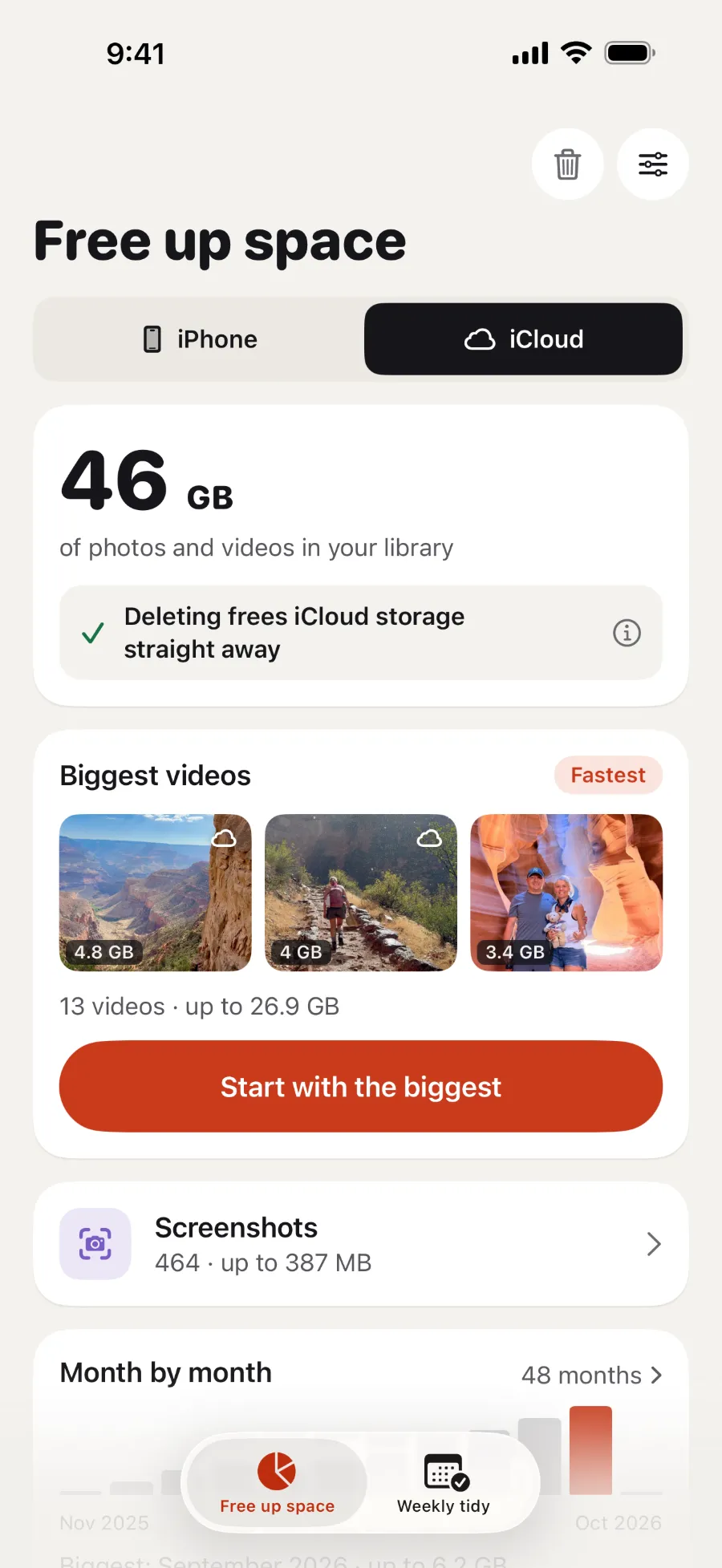
Start with what's using the most: open Settings, tap your name, then iCloud. With iCloud Photos, deleting photos and videos frees iCloud storage straight away.
What happens when iCloud is full
Your iPhone stops backing up to iCloud, new photos and videos stop uploading, and iCloud Drive and other iCloud apps stop staying up to date across your devices. You also can't send or receive email with your iCloud address (Apple).
What to delete first
- Check Recommended for You. Go to Settings → your name → iCloud → Recommended for You. It suggests photos, large files and old backups you might not need.
- Remove old backups. Go to Settings → your name → iCloud → Storage (or Manage Account Storage) → Backups. Tap a device you no longer use, then Turn Off and Delete from iCloud.
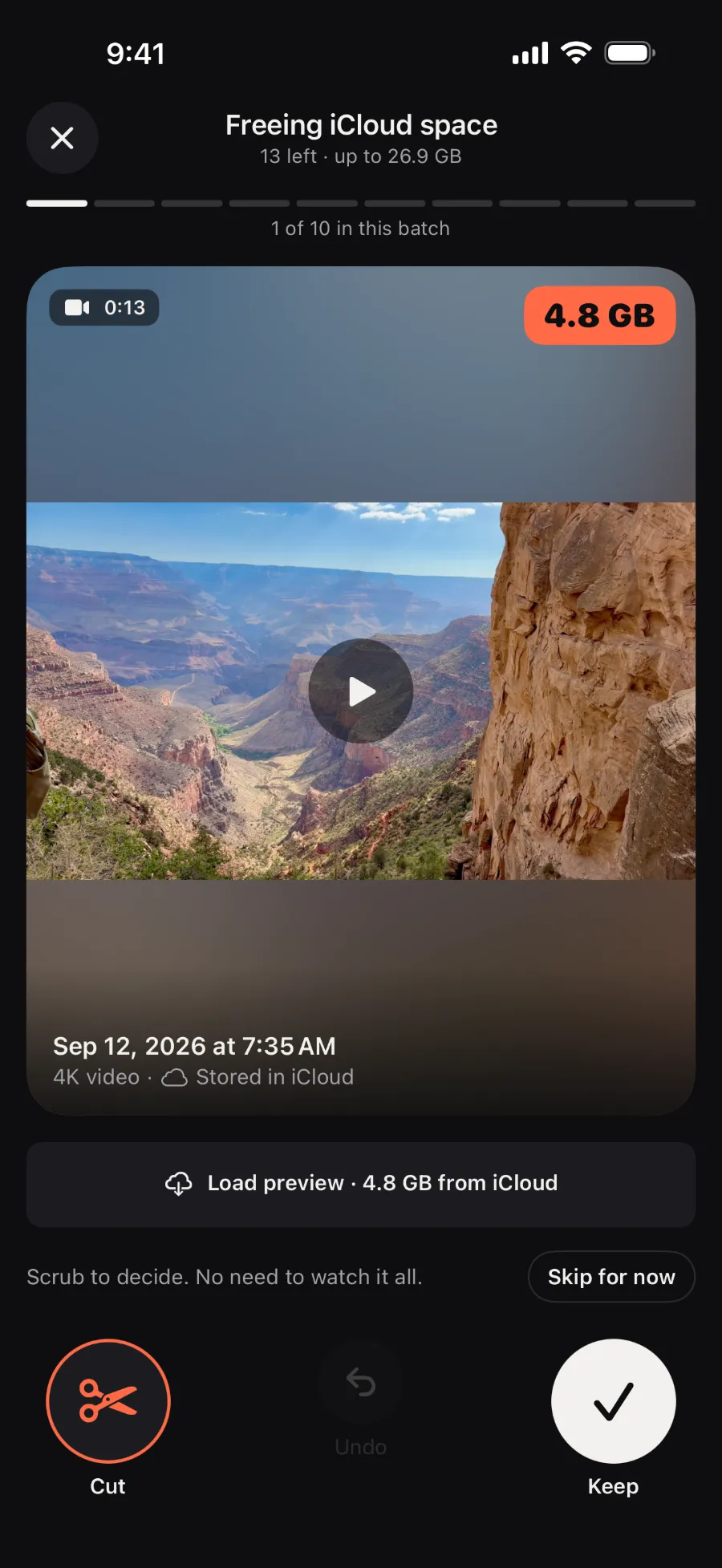
- Delete photos and videos you don't need. With iCloud Photos, deleting frees iCloud storage straight away.
- Clear iCloud Drive, Messages and Mail. Delete files, message attachments and email you don't need.
Those steps follow Apple's guide to managing iCloud storage. If you still need more room, you can upgrade to iCloud+. Every account starts with 5 GB for free.
A delete happens everywhere. With iCloud Photos, deleting a photo on one device deletes it on your other devices too, so back up anything you want to keep first (Apple). Apple also says that if you're over your iCloud limit, deleted photos skip Recently Deleted and can't be recovered.
Do I need to empty Recently Deleted?
Not for iCloud. Items in Recently Deleted don't count toward your iCloud storage (Apple). Your iPhone is different: it gets the space back once you empty Recently Deleted, or after 30 days.
Still full after deleting photos?
- You may not use iCloud Photos. Then your photos are part of your iCloud Backup, so deleting them only shrinks your next backup (Apple). To check, go to Settings → your name → iCloud → Storage → Backups and tap this device. You can turn off Photos there, but iCloud then stops backing them up, so save a copy to a computer first.
- They may be in a Shared Library. Those photos count only toward the storage of the person who created the library. Switch to your Personal Library to delete what counts toward yours.
- Something else may be using it. Backups, iCloud Drive, Messages and Mail all count. Go to Settings → your name → iCloud → Storage to see each one.



 Scan with your iPhone camera to download