 SpaceCut
iPhone storage guide
iPhone storage full, but iCloud has space?
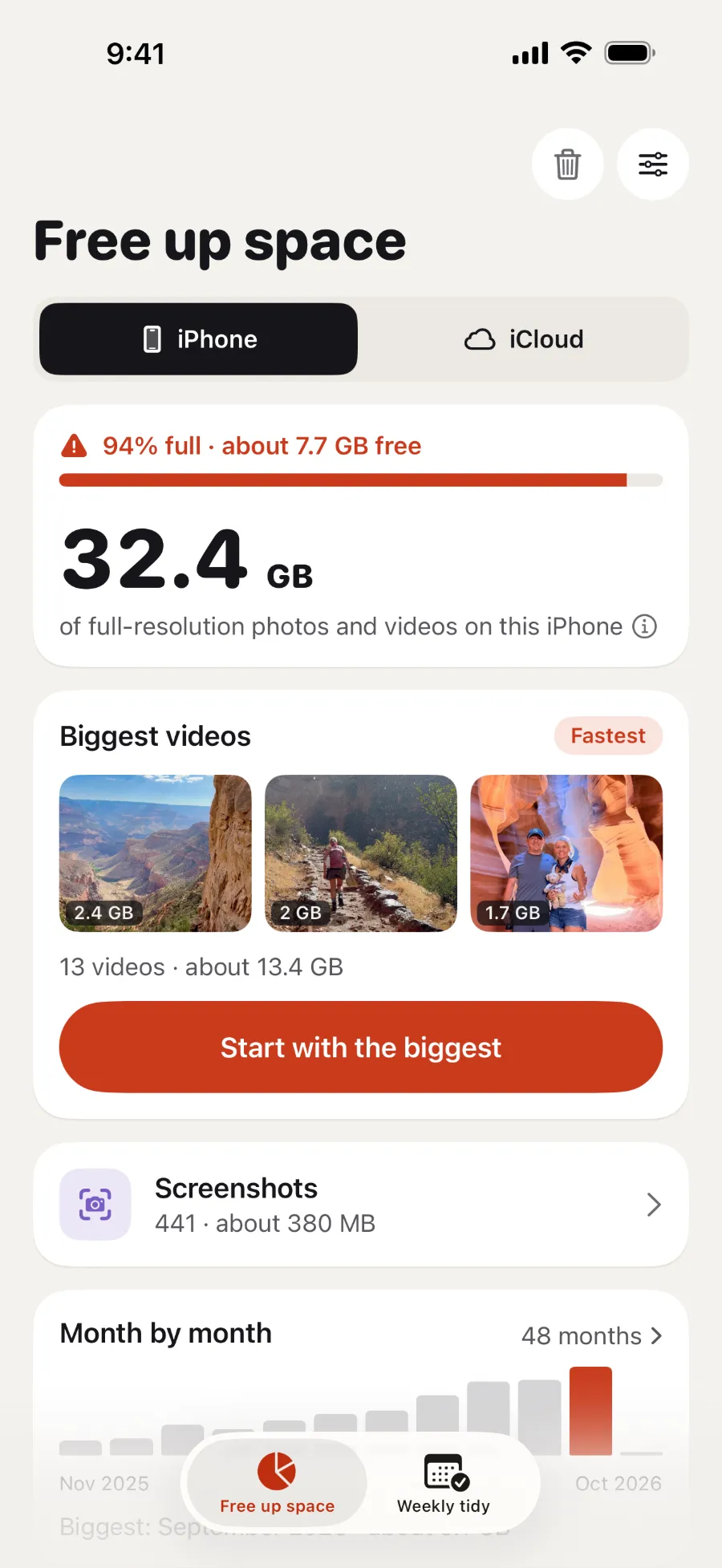
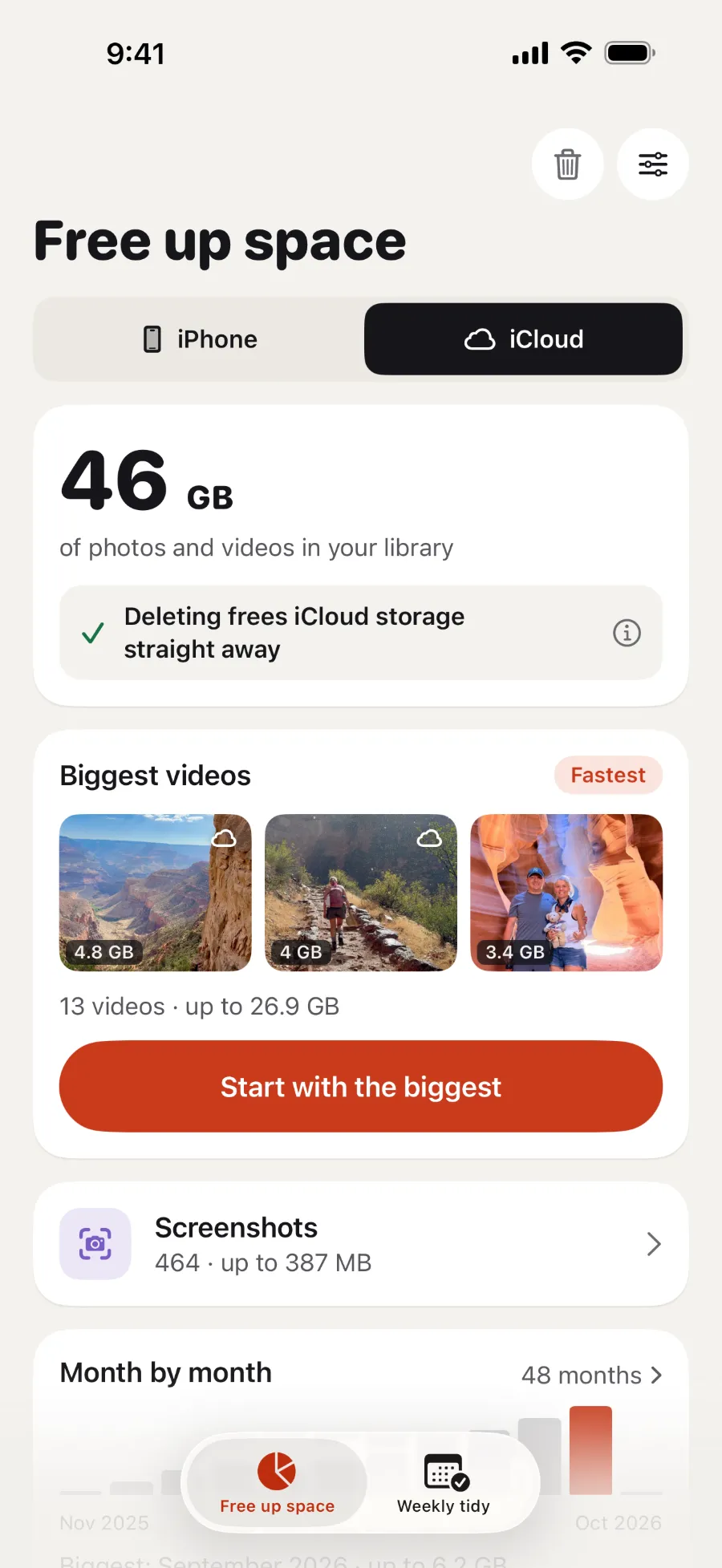
iPhone storage and iCloud storage are separate, so space in iCloud doesn't make your iPhone any bigger. Photos and videos in iCloud Photos use both.
Why your iPhone can be full when iCloud isn't
Your iPhone and iCloud each have their own storage (Apple). Buying more iCloud storage doesn't move anything off your iPhone by itself. Here's what can keep your iPhone full:
- iCloud Photos is off. By default, photos and videos stay on your iPhone at full size (Apple).
- Download and Keep Originals is on. Your iPhone keeps the full-size version of everything, as well as iCloud (Apple).
- Optimize iPhone Storage is on, but it takes time. iOS swaps originals for smaller copies when it needs the room, starting with what you open least (Apple). Large libraries can take a while to sync (Apple).
- It isn't your photos. Apps, messages and any iCloud Drive files you've downloaded all count as iPhone storage (Apple).
What to do
- See what's using the room. Go to Settings → General → iPhone Storage. Tap an app you rarely use to offload it, which keeps its documents and data.
- Turn on Optimize iPhone Storage. Go to Settings → your name → iCloud → Photos and turn on Sync this iPhone. On iOS 27, tap iPhone Storage. Then choose Optimize iPhone Storage (Apple).
- Delete what you don't need, biggest first. Then empty Recently Deleted to get the space back.
Deleting isn't the same as moving to iCloud. With iCloud Photos, deleting a photo on your iPhone deletes it from iCloud and your other devices too (Apple). Anything that hasn't synced yet may exist only on this iPhone (Apple).
More storage guides
Sources
- What's the difference between iCloud storage and device storage?
- Manage your photo and video storage
- Set up and use iCloud Photos
- iPhone User Guide: Sync photos and videos with iCloud
- How to check the storage on your iPhone and iPad
- If your iCloud Photos aren't syncing or syncing with iCloud is paused



 Scan with your iPhone camera to download