 SpaceCut
iPhone storage guide
iPhone storage still full after deleting photos?
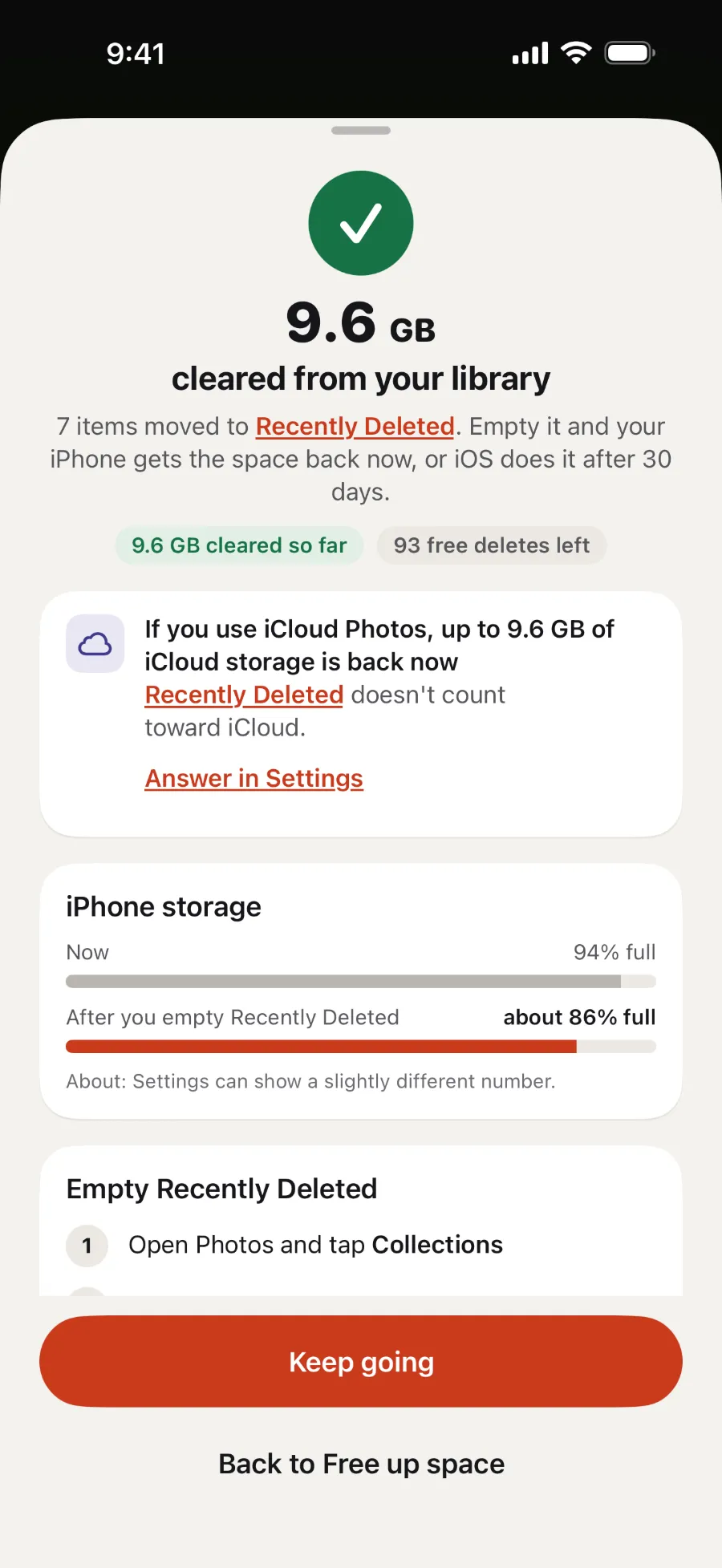
Deleted photos and videos move to Recently Deleted first, and they stay there for 30 days. Your iPhone gets the space back once you empty it, or after 30 days.
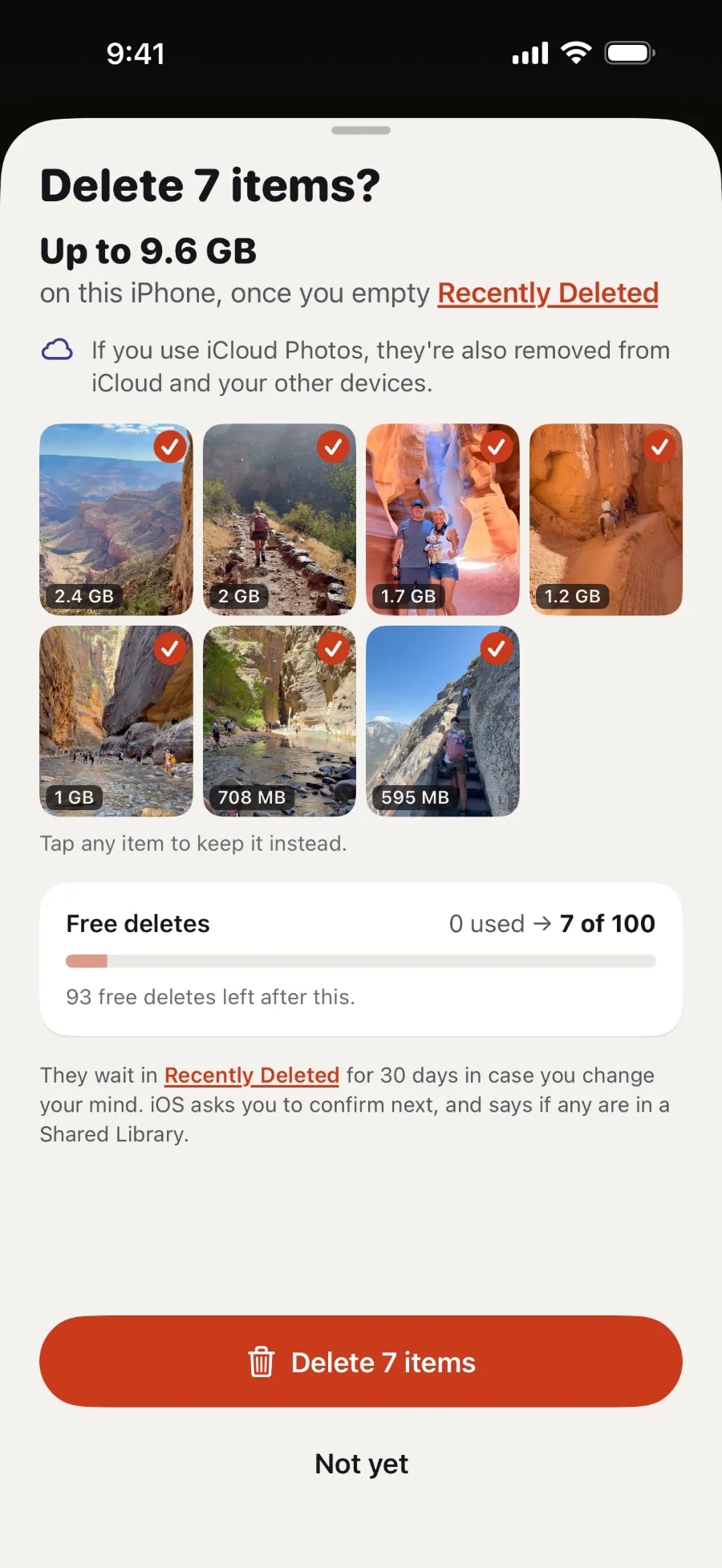
Do recently deleted photos take up iPhone storage?
Yes. A deleted photo or video goes to the Recently Deleted album and stays there for 30 days, so you can get it back (Apple). Until you empty the album, it keeps its space on your iPhone. iCloud works differently:
- On this iPhone
- You get the space back once you empty Recently Deleted, or after 30 days.
- In iCloud
- With iCloud Photos, deleting frees iCloud storage straight away, because Recently Deleted doesn't count toward it (Apple).
How to empty Recently Deleted
- Open Photos, tap Collections, then swipe up. On iOS 18, just swipe up.
- Under Utilities, tap Recently Deleted.
- If it's locked, tap View Album and use Face ID or Touch ID.
- Tap Select, then the More button (…), then Delete All.
- Confirm Delete from All Devices, or Delete Photos I Added in a Shared Library.
You can't get them back after this, so look through the album first (Apple). With iCloud Photos, they're gone from your other devices too.
Still full after emptying it?
- Your photos may already be in iCloud. With iCloud Photos and Optimize iPhone Storage, the original can be in iCloud while your iPhone keeps a space-saving copy (Apple). Deleting one of those clears only that copy from your iPhone.
- Something else may be using the room. Go to Settings → General → iPhone Storage to see what each app uses, along with Apple's recommendations (Apple).



 Scan with your iPhone camera to download